let me preface this post with a
disclaimer: i am by no means the authority on blogging or photography. there are plenty of people who are more influential than i am and even make a living out of it, BUT i have learned some things over my three years of blogging that i'd love to share in hopes that they will help you on your own journey.
when i started blogging i was pregnant and i had no idea what i was doing. i've always kept some sort of online journal (what's up livejournal) and wanted to blog about my favorite baby products, etc. through that my dear friend lauren asked me if i wanted to blog for
pregnancy and newborn. although i have not made substantial money through blogging i've had a lot of great opportunities because of it. i kept up with homemade grits to catalog
matilda's first days and to keep my family posted on our family happenings. eventually i started learning to use a
dslr and my blog started looking more professional which leads me to...
blogging tips + tricks part 1: photography
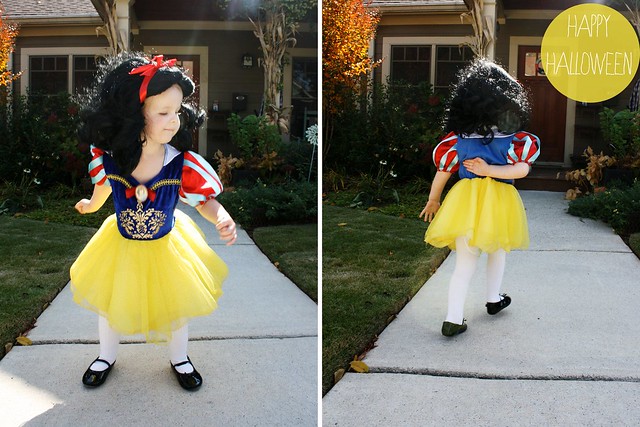
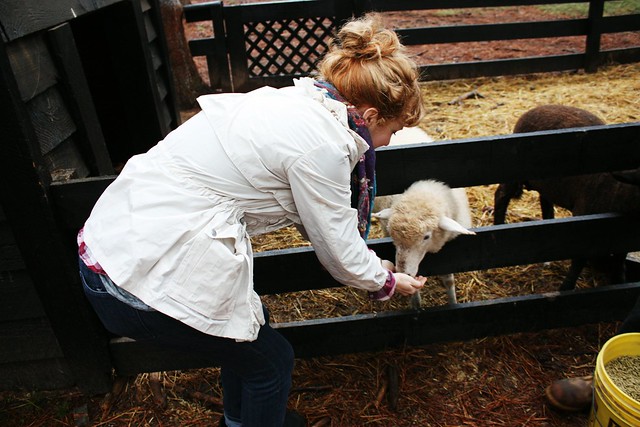
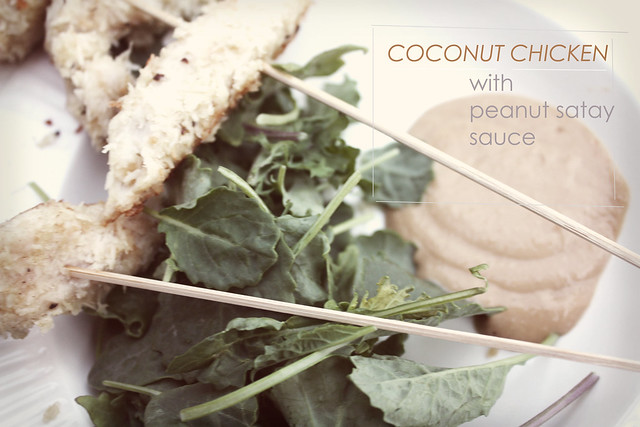
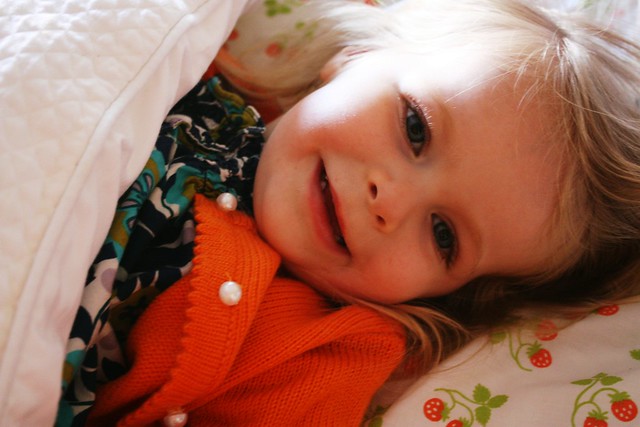
one of the main differences between a hobby blog and a more professional-looking one is a good camera. if you are going to invest in one thing for your blog it should be that. in my opinion. also, i like taking pictures on my phone as much as the next person but blown up they never look good. look at the difference between these two pictures of matilda:

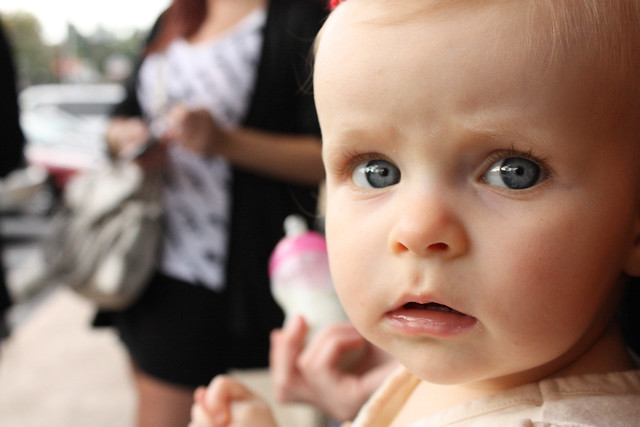
do you see how grainy the top picture is? now, let's take this a step further. you should know some basic editing skills. there are plenty of cheap ways to edit pictures. flickr uses a program called
picnik. it is not perfect and definitely can drive me bananas when there are issues but it works.
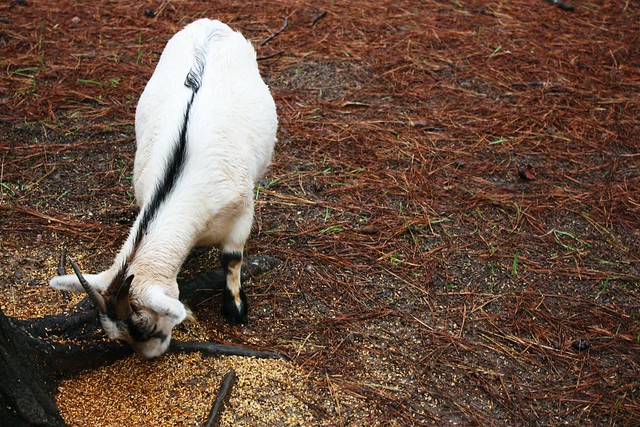
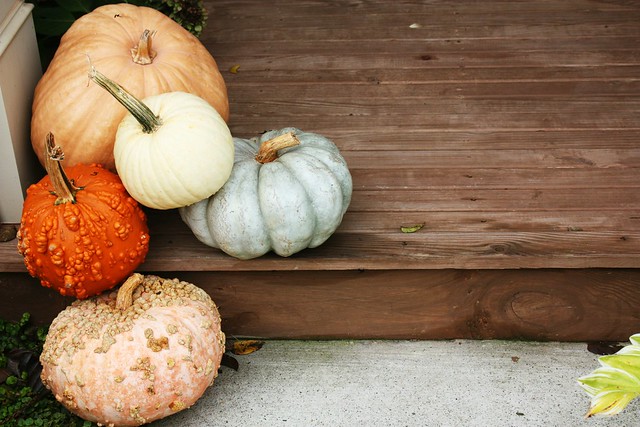
let's compare this straightouttathecamera photo and the one i edited in picnik:
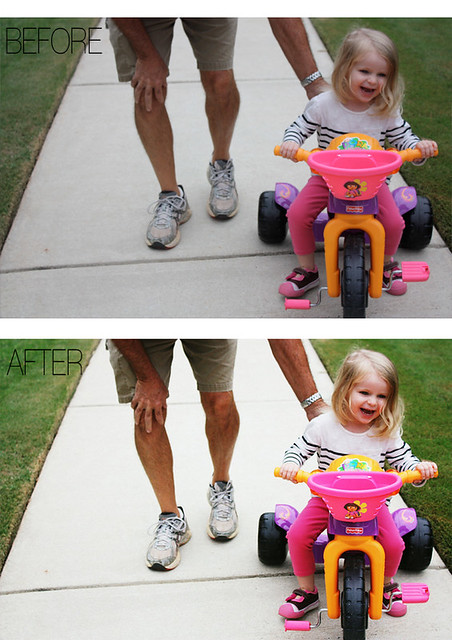
i used the "velvia" curve and then adjusted the layers. if you can swing it, it's extremely helpful to learn some basic photoshop techniques. i just ordered
this book which came highly recommended. photoshop is the best program for photo editing and making collages, etc.
if you have photoshop,
the pioneer woman has great actions that are free. for a really helpful tutorial on actions check out
this post.
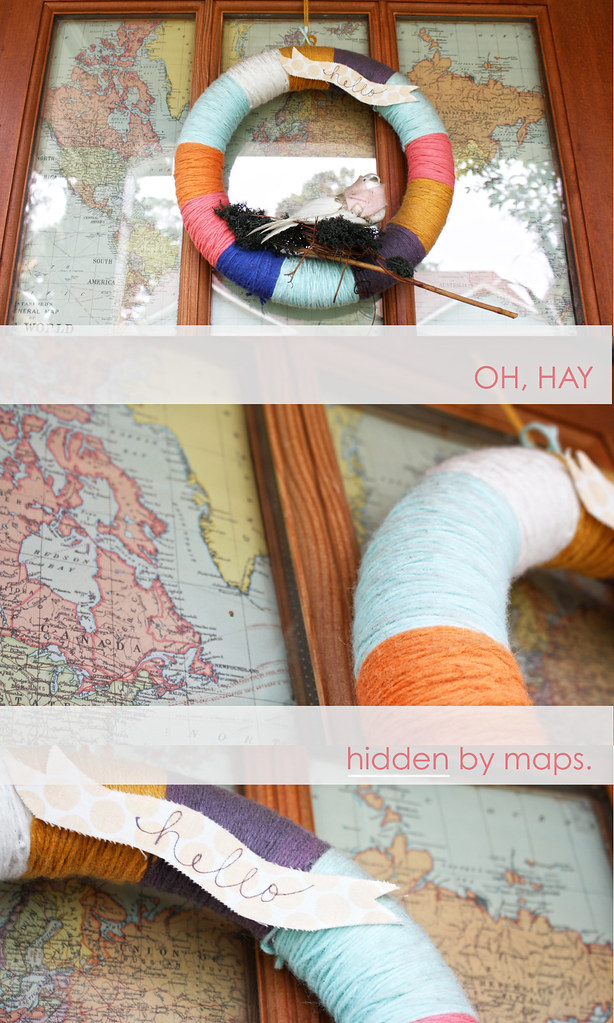
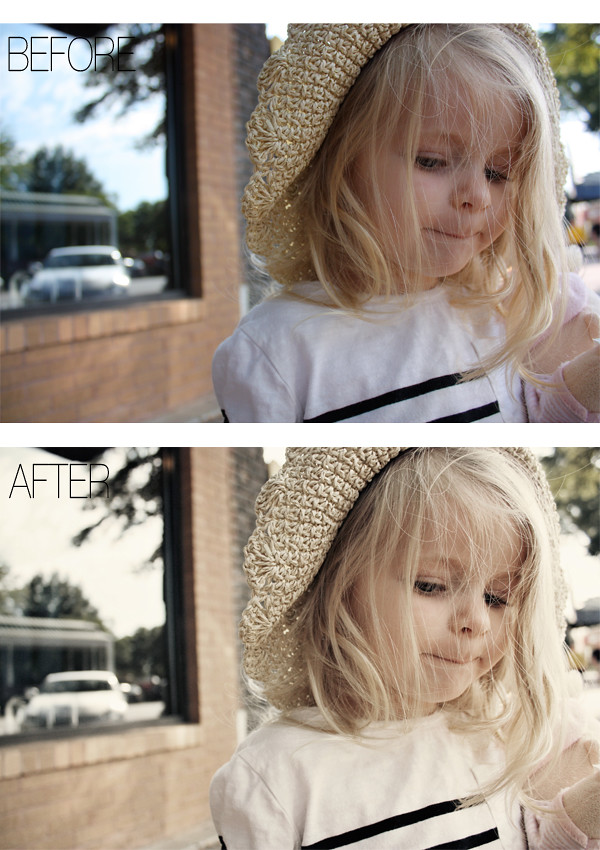
ex of before and after using actions (pw's colorized action with the opacity tweaked for each layer):
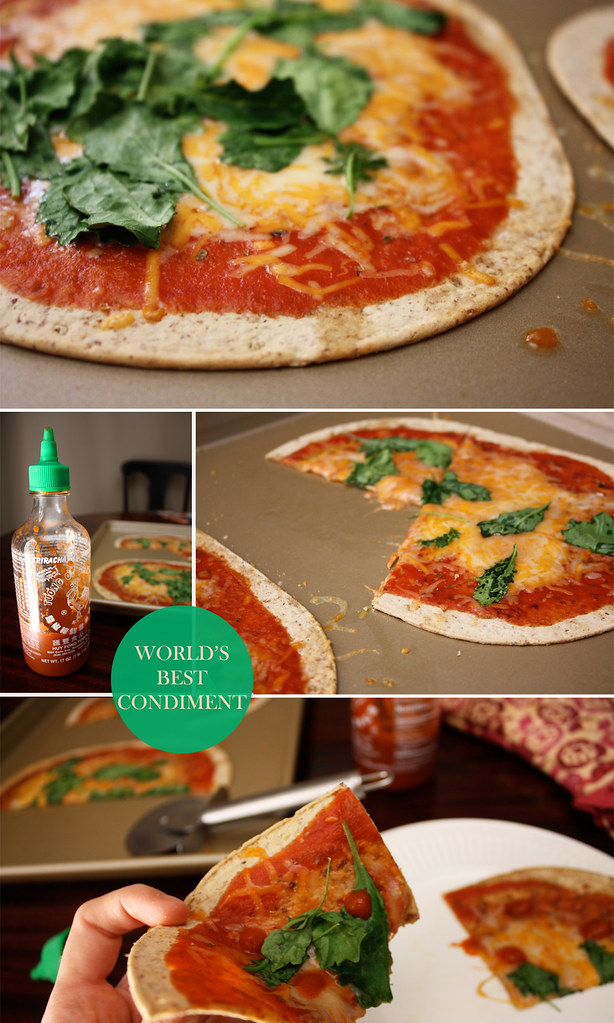
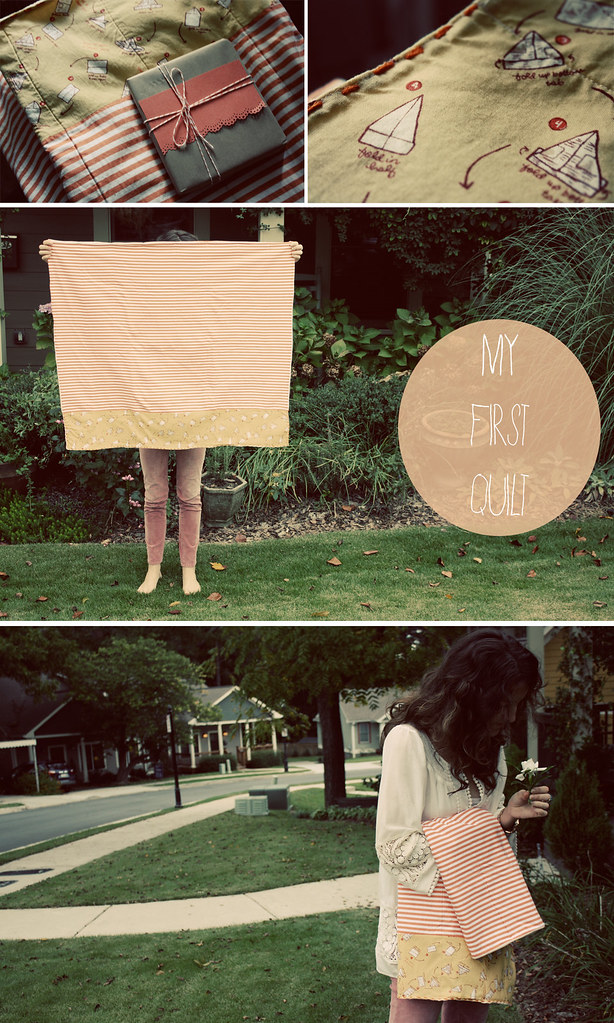
also, with pictures i really appreciate larger photos. you get so much more of "the picture." i have set the width of all of these photos at 600 which you can do with some very basic html. you'll want to make sure that the main body of your blog is at a width of 600 or higher, otherwise the image will be cut off.
img width=600 src="inserturl" surround this text with <>. teach yourself basic html.
here's a good site to get you started. again, look at the difference:
width of 300:
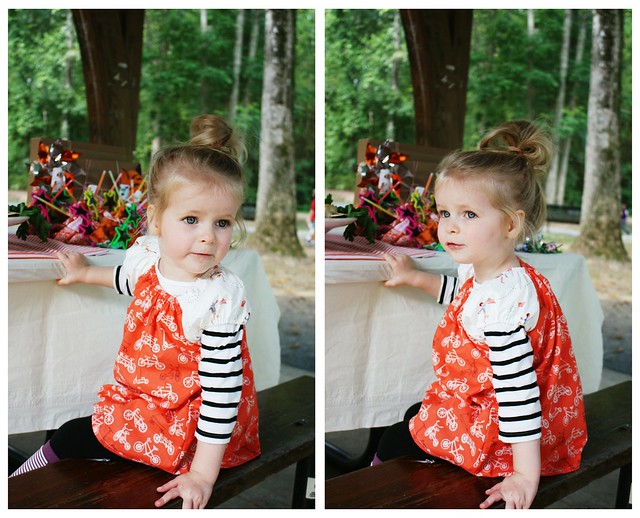
width of 600:
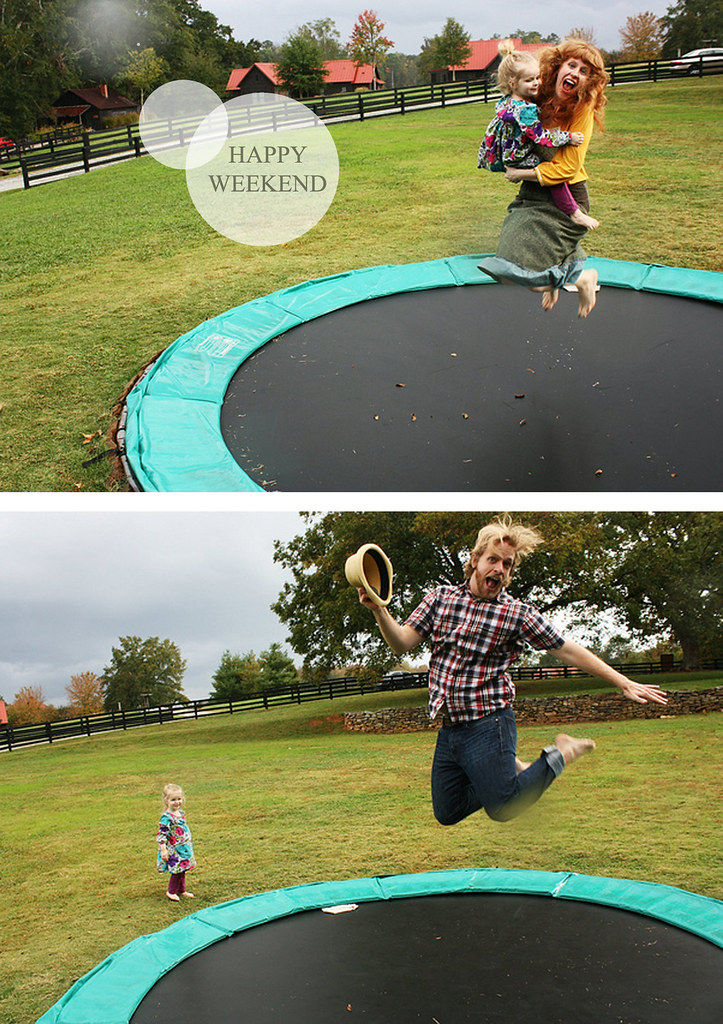
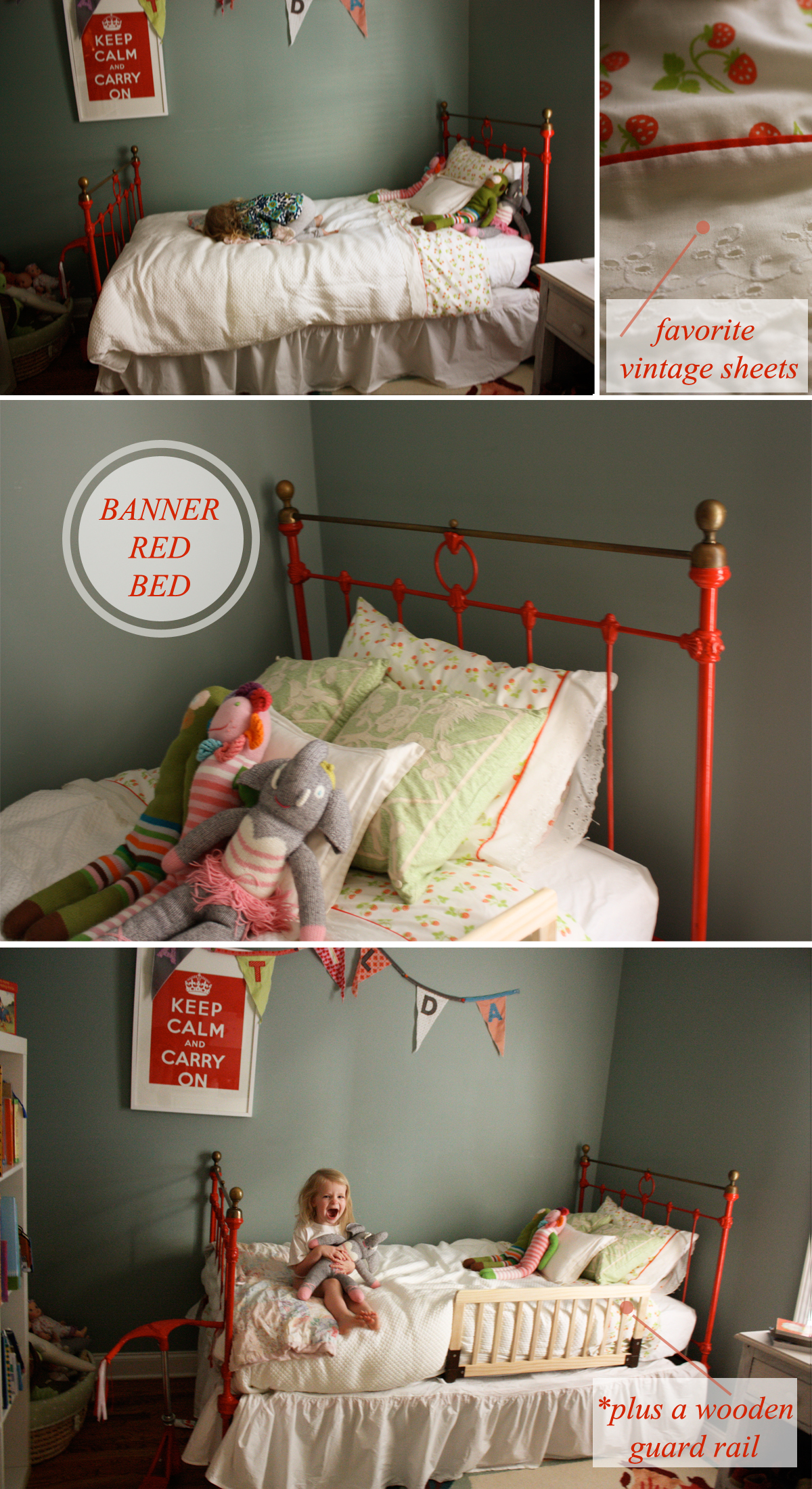
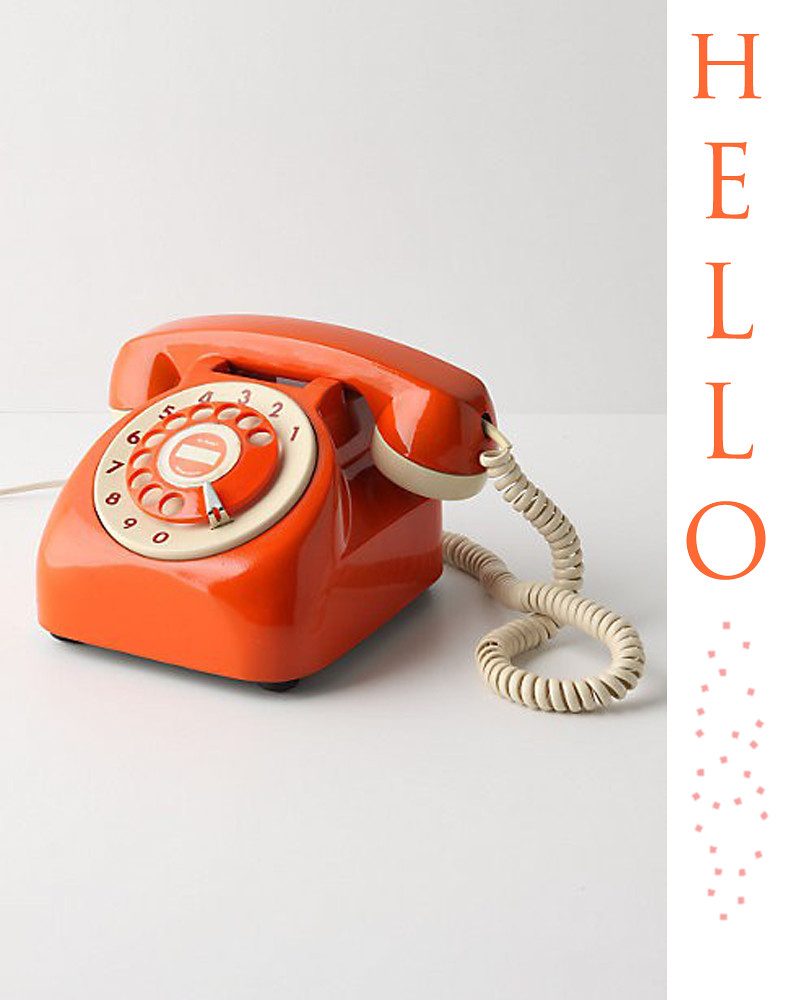
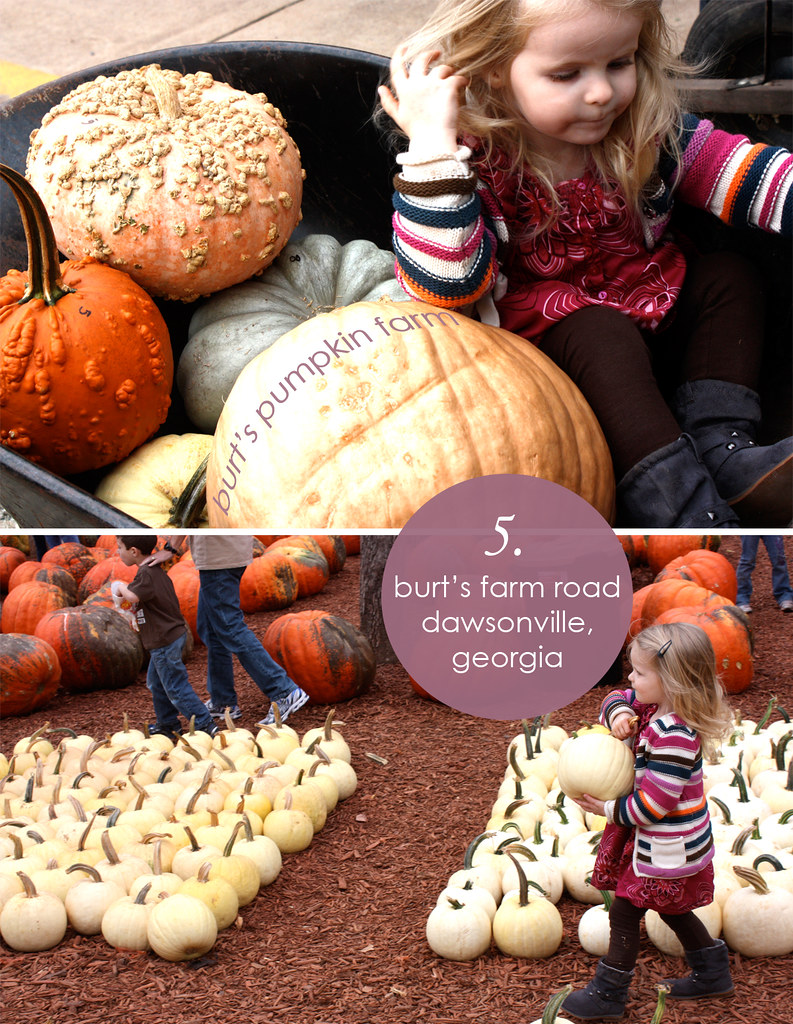
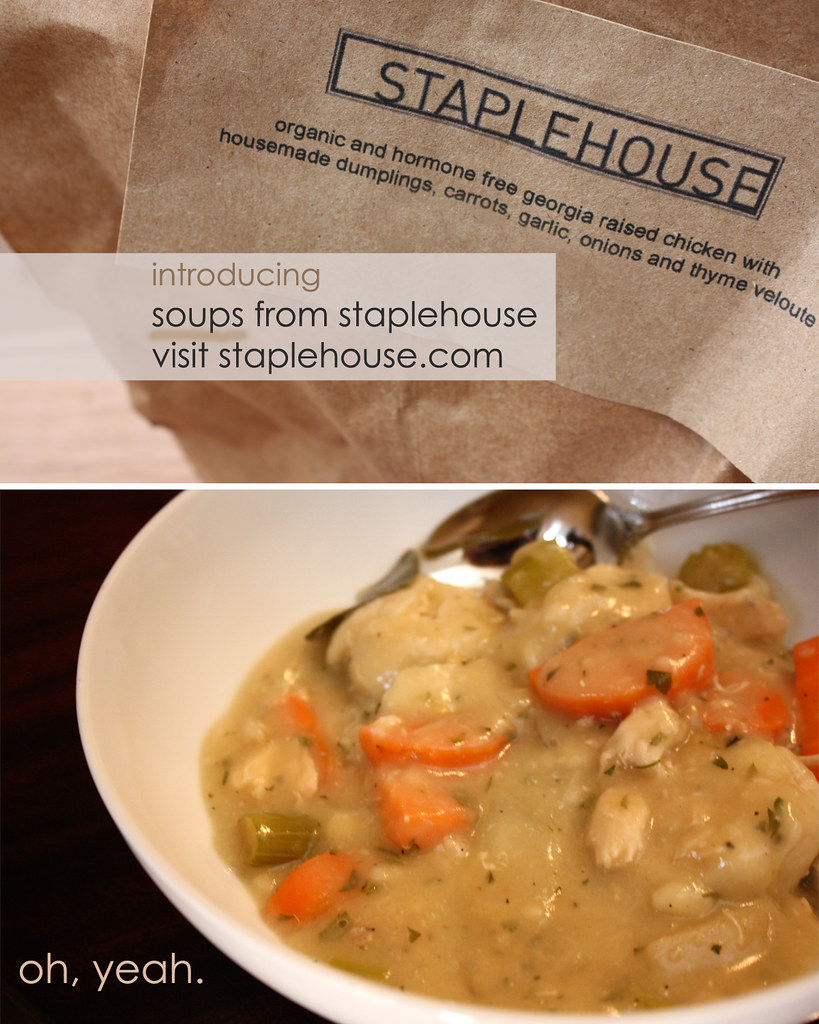
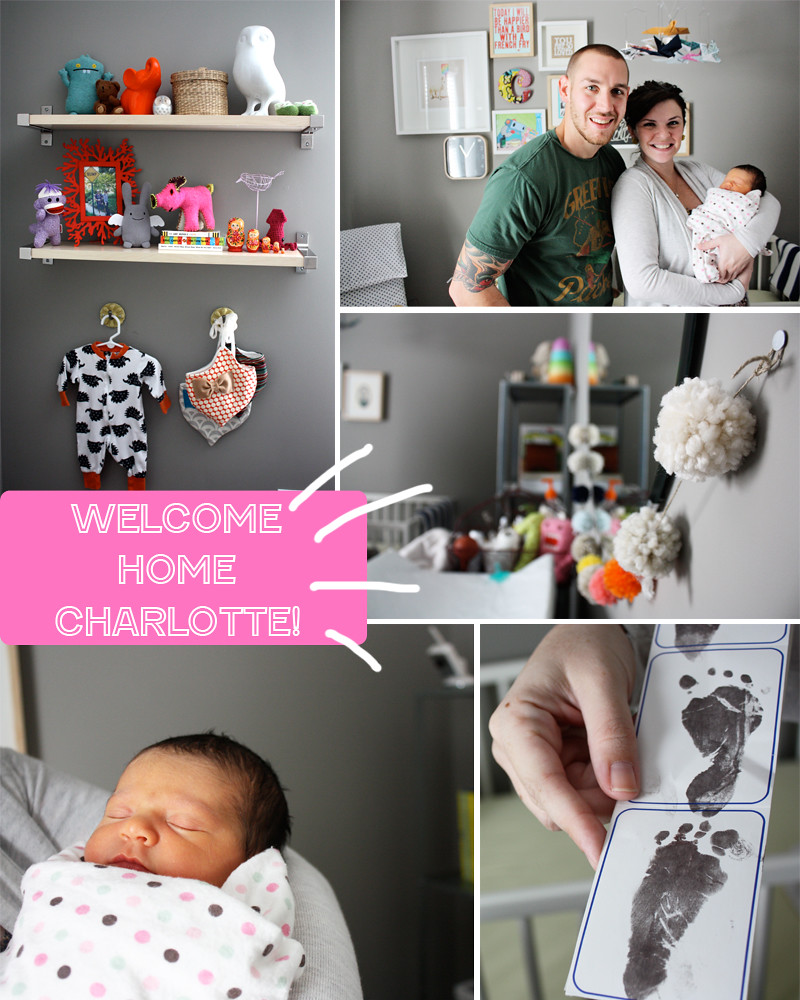
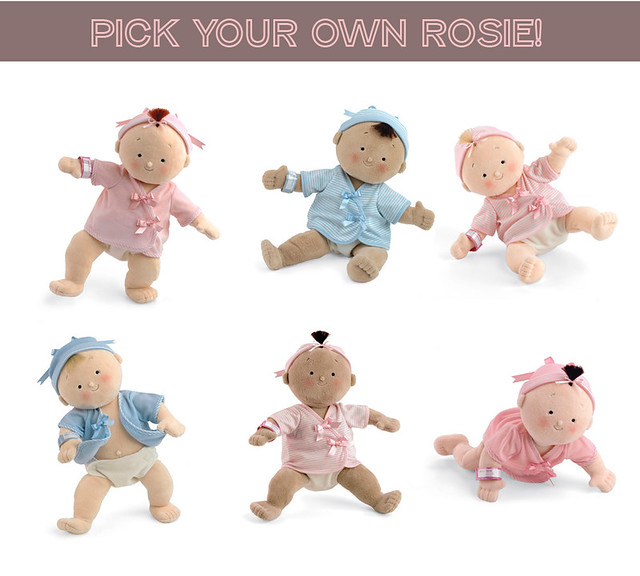
lastly, if i'm going to show a vertical picture, i usually will stick it with another vertical shot so that all of the pictures are the same size and width.
let me know if you have any questions. again, these are my preferences and what i look for in blogs i like to read.
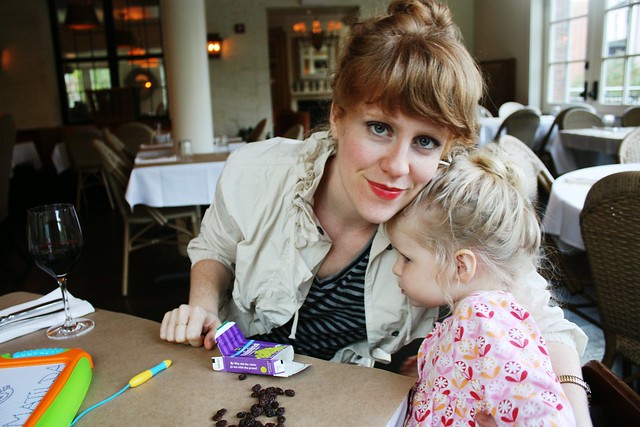
um ps can you tell how much i like that striped shirt?!